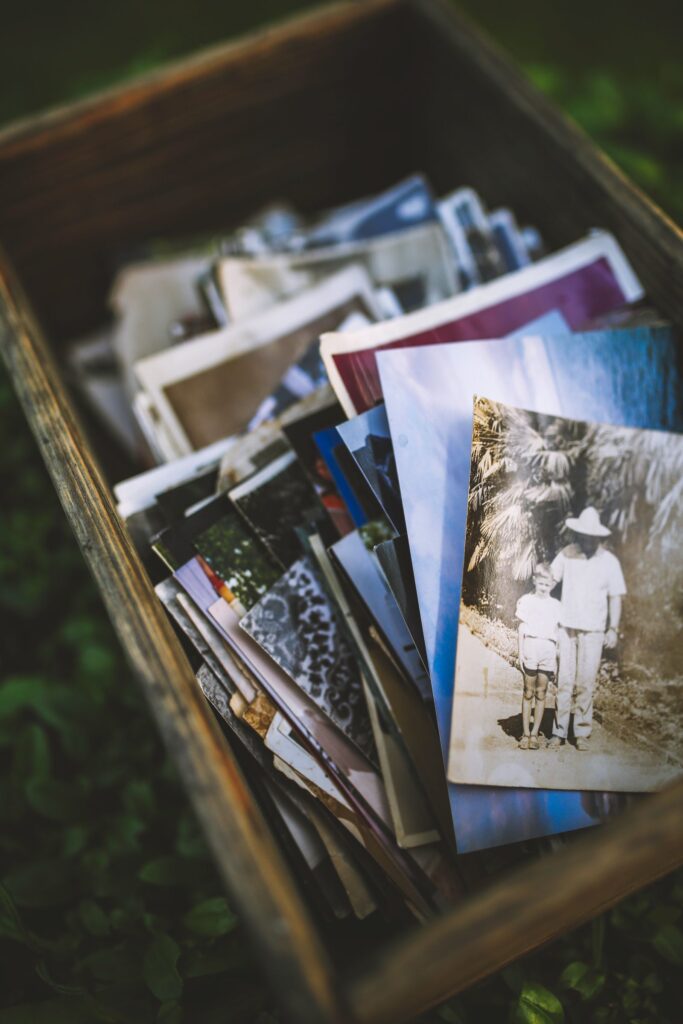
At almost every memorial, someone says it: “I’ve got a photo of her from 1987 somewhere, I’ll send it to you.” And they mean it. But the week after a funeral is a blur, and most of those photos never arrive. They stay in shoeboxes and old phones, and the family never sees them.
A shared album with a QR code in the program changes that. People can add their photos while they’re still in the room, or that evening at home, without needing to ask for an email address or work out a group chat. If you’re organising a service right now, here’s how to set one up without adding much to your list.
What people actually share
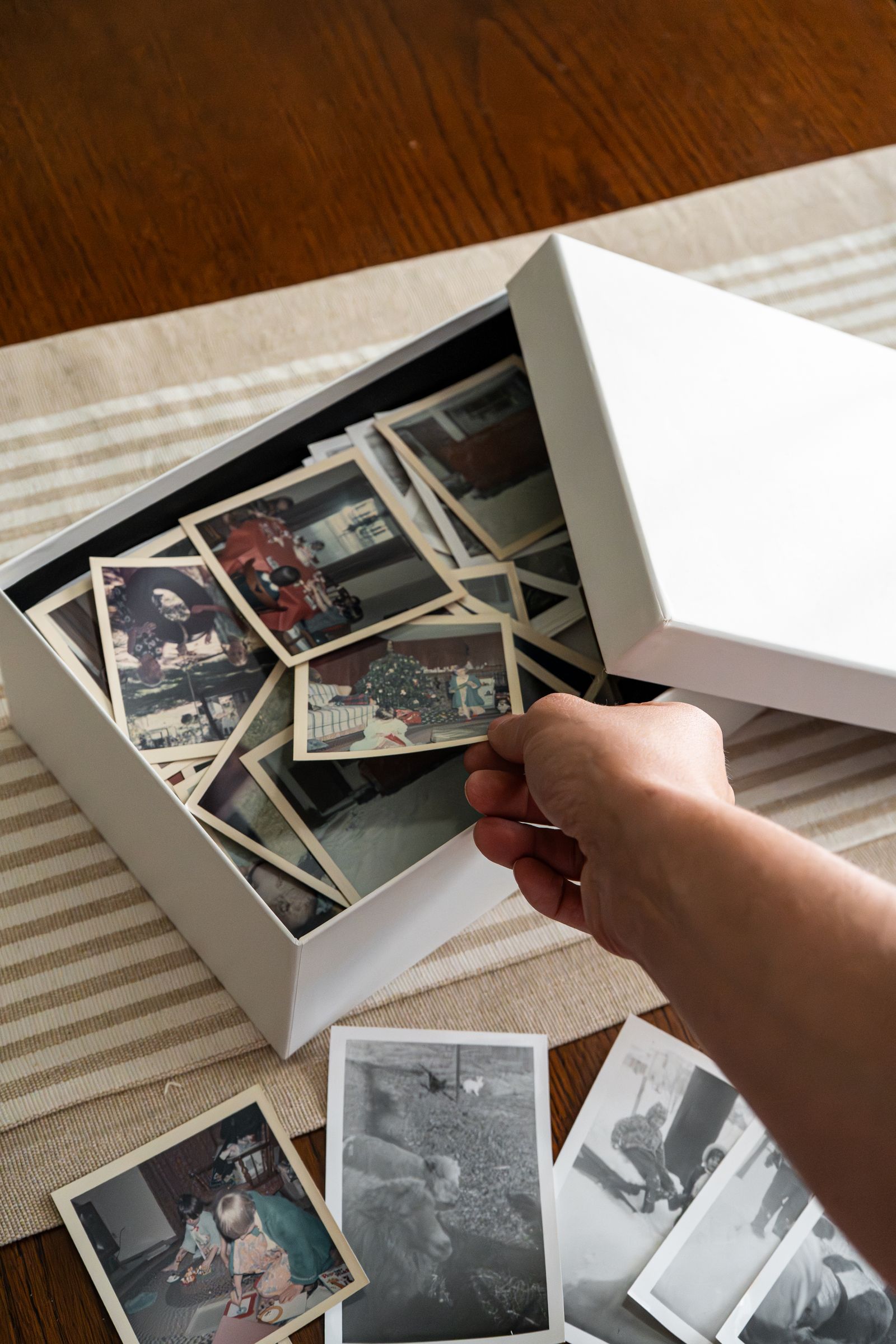
Families are often surprised by this. Very few of the uploads are photos of the service itself. Most are old photos: phone pictures of printed photos, holiday snaps from 20 years ago, a blurry shot from a work Christmas party that the family had never seen. Colleagues, neighbours and old school friends hold whole parts of a person’s life that the family wasn’t there for.
Voice messages are the other thing. Some people can’t stand up and speak at a service, but they’ll happily record a two-minute story into their phone afterwards, sitting in the car. A recording keeps something a photo can’t: the laughter in someone’s voice when they remember a story.
Setting it up in an evening
Create the album and give it the person’s name. Download the QR code and send it to whoever is printing the order of service, with a short line underneath. Something simple works best:
“If you have photos or memories of [Name], we would love for you to share them. Scan with your phone’s camera. No app is needed.”
Put a framed copy at the reception or wake, near the photo board if you have one. That’s where people linger and talk about the person, and it’s where most uploads happen. Send the link in any follow-up message to people who couldn’t attend, too. Some of the best photos come from people who couldn’t travel.
You don’t need to announce it. A gentle mention from the celebrant at the end (“there’s a code in your program if you’d like to share photos with the family”) is plenty.
Privacy and control
Grief makes families protective, rightly. The album is only reachable through the QR code or link, it isn’t public or searchable, and photos aren’t shared or used for anything else. If you’d rather keep it tighter, add a PIN, hide the gallery so guests can only upload and not browse, or turn on moderation so nothing appears until a family member has seen it. All of these are on both plans.
Moderation is worth considering here more than at a wedding. Not because anyone will upload something inappropriate, but because the family may want to see a difficult photo privately before it sits in a shared gallery.
Which plan we’d suggest
For a memorial, Premium ($99, one-time) is the better choice, and we don’t say that about every event. It keeps the album online permanently rather than for one year, and it includes the voice message guestbook. A memorial album is something families come back to on anniversaries and birthdays for years, and it shouldn’t have an expiry date. Name tagging (also Premium) means you’ll know who sent each photo, which matters when you want to thank people.
Afterwards, download the whole album as a ZIP and keep a copy somewhere safe. It’s also the easiest way to hand photos to a relative making a printed book or a slideshow for the first anniversary.
If cost is a concern, or you’re organising a service through a church, hospice or community group, email us at hello@qrmoments.co. We look at non-profit and community requests case by case.
For more on how the album works across different gatherings, see our event photo sharing guide, or the how it works page for what guests see when they scan.
Create a memorial album → Set up takes a few minutes. 30-day money-back guarantee.
[…] guide to memorial service photo sharing covers the setup, privacy options and wording for the […]