
TL;DR: Make one album for the weekend, share the link in the group chat on day one, and add a PIN. Everyone uploads from their camera roll in the browser, no app. If some photos shouldn’t be seen by the whole group (or the groom), switch the album to upload-only so only the organiser sees everything.
Eight to twelve people, three days, a lot of phones. By Sunday there are 600 photos spread across camera rolls, plus stories that disappear in 24 hours. The bride ends up with the dozen that made it into the group chat, compressed. A shared album fixes that in about two minutes of setup.
Set it up before you leave
The maid of honour (or whoever’s organising) creates the album and drops the link in the group chat with one line: “Put every photo here, blurry ones included.” A link works better than a QR code for a bachelorette, because everyone’s already in the chat. Print the QR code on the itinerary or welcome bag if you’re making them; it’s a nice touch and saves scrolling for the link.
With QR Moments Premium you can split the weekend into sub-albums (up to six), each with its own link: Friday dinner, the boat, Saturday night. It keeps 600 photos browsable.
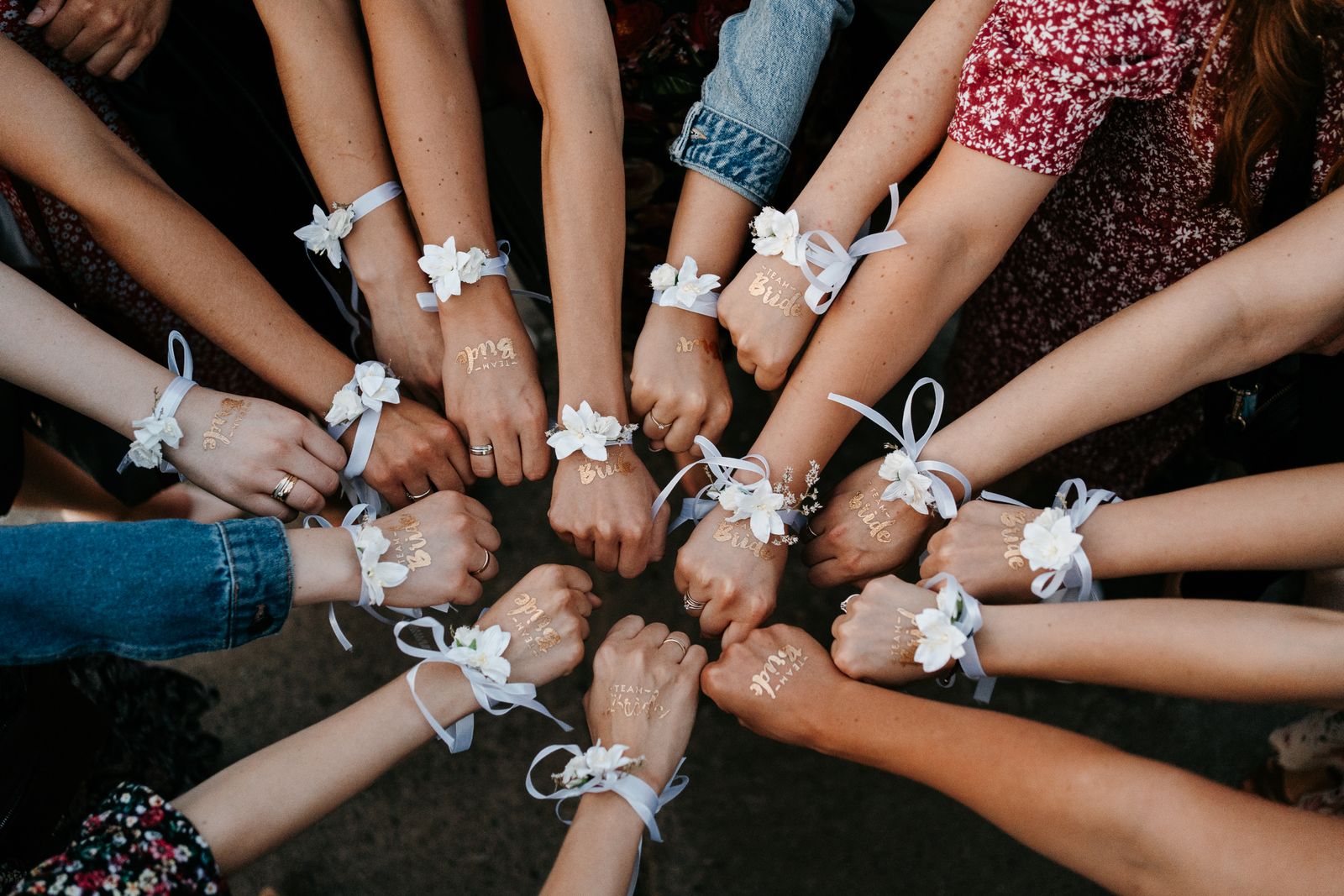
Keep what happens on the weekend private
This is the bit that matters most for bachelorettes. Three settings help:
- A PIN on the album, so a forwarded link doesn’t open it.
- Upload-only mode, so the group can add photos without browsing. The organiser sees everything and shares a curated set later.
- Moderation, if you want to approve each photo before it appears.
All three are on both QR Moments plans. More on how they work in keeping a photo album private.
Turn it into a gift
After the weekend, download the whole album as a ZIP and pick the best 30 for a printed photo book. Or run the best ones as a slideshow at the rehearsal dinner. Voice messages (Premium) make a lovely surprise too: each friend records a 30-second toast during the weekend, and the bride hears them all on the morning of the wedding.

Cost: $49 one-time for Standard, $99 for Premium, which splits nicely across the group. Planning the rest of the wedding photo setup? See engagement party photo sharing and the wedding QR code for photos guide.
Create the bachelorette album → 30-day money-back guarantee.
FAQ
What’s the best way to share bachelorette party photos? One shared album that everyone uploads to from their camera roll, with a PIN. It keeps photos at full quality and out of social media.
Can I stop the group seeing every photo? Yes. Set the album to upload-only and only the organiser can browse it.
Does everyone need an app? No. QR Moments works in the phone’s browser from a link or QR code.
Leave a Reply