
TL;DR: Pick one of the three 4×6 designs below, click the names to type your own, upload your QR code image with the button, and press Print. Each design prints on its own 4×6 page. Free, no sign-up.
A QR code table card tells guests where to share their photos. The wording and placement matter more than the design, so all three templates use a short headline, one line on what to do, and “no app needed”, which is the line that gets older guests to try it. Print one per table, plus extras for the bar and welcome table.
How to use these templates
- Get your QR code as a PNG. In QR Moments, it’s on your album dashboard (PNG, SVG or PDF).
- Click “Add your QR code” below and choose the PNG. It appears on all three cards.
- Click the names and date on each card and type your own.
- Press “Print cards”. In the print dialog, set the paper size to 4×6 in (or print on letter/A4 and trim), and turn on background graphics.
- Scan one printed card with an iPhone and an Android phone before printing the rest.
the day
Your QR code image stays in your browser. Nothing is uploaded when you use these templates.
Printing tips that save a reprint
Keep the QR code at least 3 x 3 cm (about 1.2 inches) on the printed card; the templates print it at about 4 cm. Matte card stock scans better than glossy under venue lighting, because glossy reflects candles and spotlights straight into the camera. And print one test card first, then scan it from about arm's length in dim light. If it scans there, it'll scan on the night.
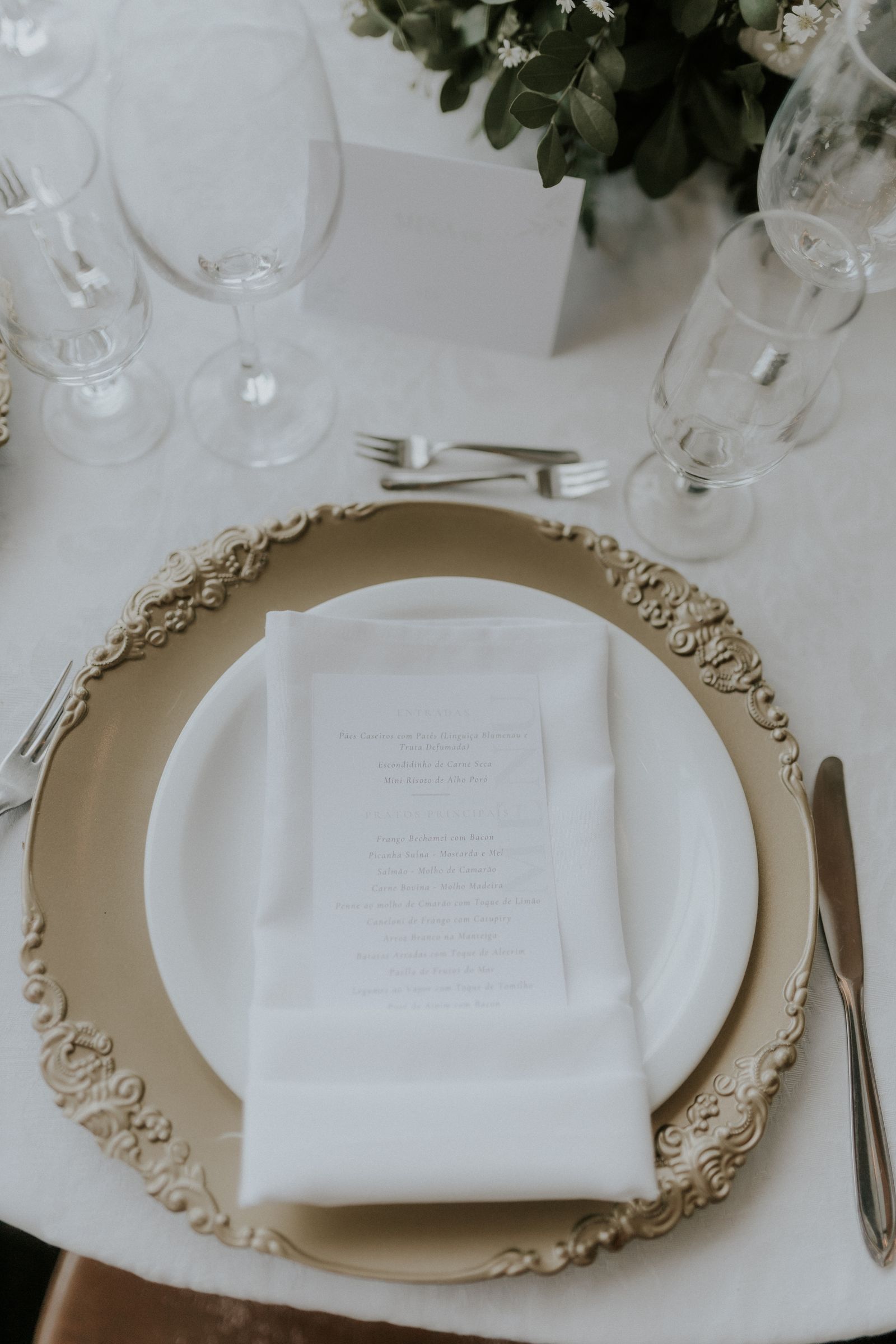
Where to put the cards
One per guest table, standing up (a small easel or a folded tent card works). Then the bar, the welcome table, next to the guest book, and beside the live slideshow screen if you have one. A single sign at the entrance collects a fraction of what table cards do, because people scan when they're sitting down with their phone already out.
Want different wording? We have 40 QR code sign wording ideas, from formal to funny.
Don't have a QR code yet?
QR Moments gives you one in about two minutes, linked to a private album where guests upload photos and videos from the browser with no app. Download it as PNG, SVG or PDF and drop it into the cards above. Standard is $49 one-time; Premium ($99) adds voice messages and permanent storage. You can create a free test album first to check the code scans the way you want.
FAQ
What size should a wedding QR code table card be? 4x6 inches is the most common size and fits standard card holders. Keep the QR code itself at least 3 x 3 cm.
Are these templates free? Yes. Add your names and QR code on this page and print as many as you need.
What should a QR code table card say? Say what to do and remove the main worry, for example: "Scan to share your photos and videos with us. No app needed."
[…] it to table cards, the welcome sign and the menu. Our free QR code table card templates are ready to […]