
Every family reunion has one cousin who takes 400 photos and never sends them to anyone. And one great-aunt with a shoebox of prints from 1974 that nobody under 50 has ever seen. A reunion is the rare day when both are in the same place, and it’s worth setting up something to catch both.

Collecting this year’s photos
The setup is the same as any party. Create an album, print the QR code, and put copies where people gather: the food table, the drinks cooler, the check-in table with the name tags, the pavilion at the park. Guests scan with their phone camera and upload from their camera roll in the browser. No app, no accounts.
The no-app part matters more at a reunion than almost anywhere else. You’ve got four generations and every level of tech comfort. A teenager uploads in five seconds; an 80-year-old uncle needs his granddaughter to help for thirty. Both work. Asking everyone to install something would lose half the family before lunch.
Add the QR code to the reunion invitation or Facebook group too, so relatives who can’t come can still see the album, and people can keep adding photos for a week afterwards.
The old-photo scanning table
This is the idea that makes reunion albums special. Ask relatives to bring old printed photos. Set up a table with good light (outdoors in shade is perfect) and a sign: “Bring your old family photos. Snap a picture with your phone and add it to the album.”
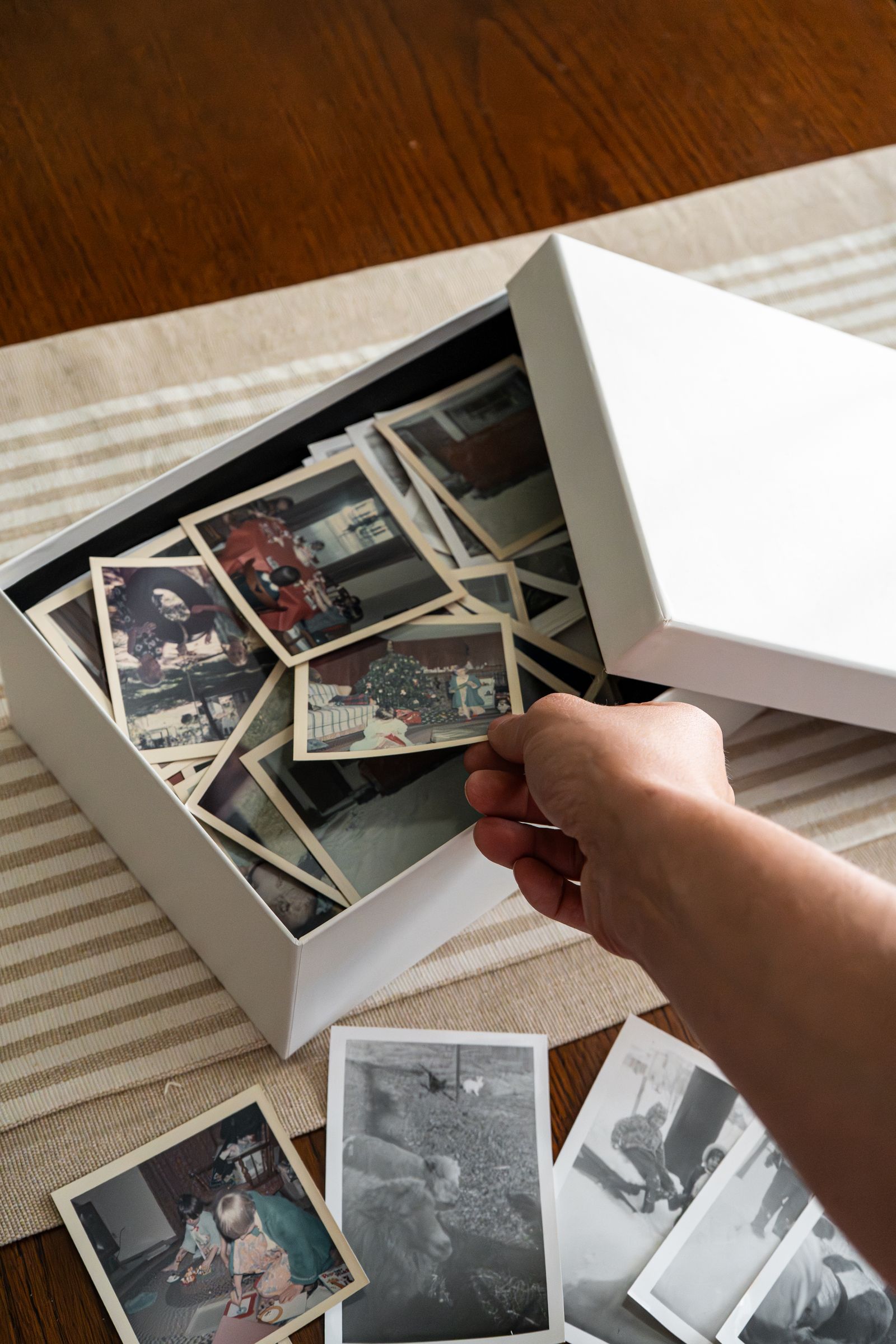
A phone photo of a print isn’t archival quality, but it’s far better than the print staying in one house where nobody else ever sees it. Put one younger relative in charge of the table for an hour. They’ll hear stories about every photo, and if you’re on the Premium plan, the older relatives can record those stories as voice messages right next to the photo. “That’s your great-grandfather’s farm in 1952, the year the barn burned down.” That’s the kind of thing families lose when people pass, and it takes 40 seconds to record.
Class reunions
Same idea, different shoebox. Ask classmates to bring yearbook photos and old prints from school trips, and run a live slideshow on a screen at the venue. Seed it beforehand with photos from the yearbook. Watching 1999 and 2026 photos of the same people alternate on screen gets a reaction every time. If the venue is a restaurant or bar, the organiser can usually plug a laptop into their TV.
Cost and which plan
Standard is $49 one-time: unlimited guests, photos and videos at full resolution, the live slideshow, and a year to download everything as a ZIP. For a family reunion we’d lean toward Premium at $99. It keeps the album online permanently (a family archive shouldn’t expire), adds voice messages for those stories, and gives you up to six sub-albums, so “Reunion 2026” and “Old family photos” can live separately. Multiple admins means two or three family organisers can manage it together.
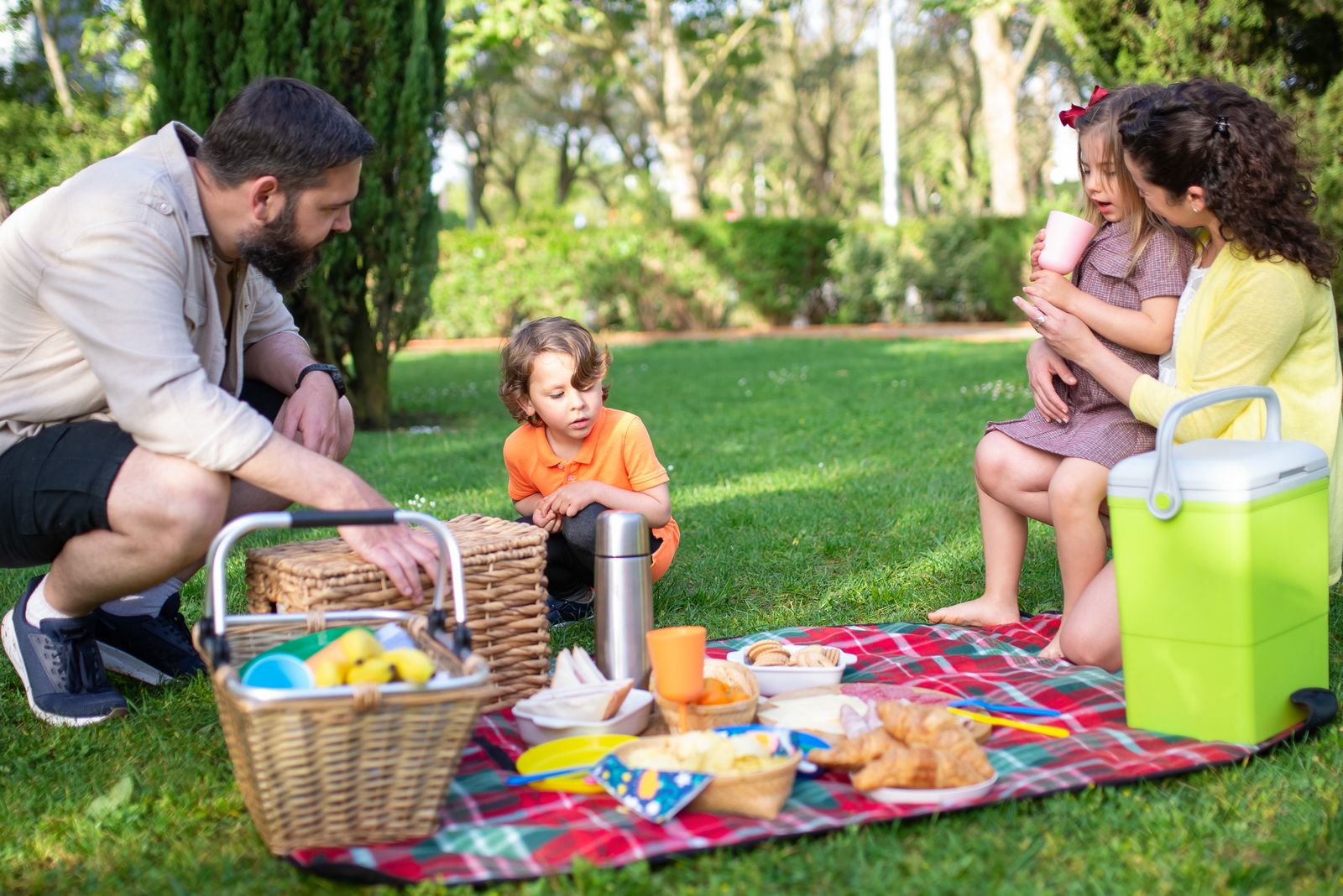
Split it across the family and it’s a few dollars per household. Planning a bigger milestone soon? Our anniversary party ideas guide covers multi-generational events in detail, and the event photo sharing page explains the setup for any kind of gathering.
Create your reunion album → From $49 one-time, 30-day money-back guarantee.
[…] anniversary party ideas, graduation party photo sharing, bar and bat mitzvah photo sharing, family reunion photo sharing, quinceañera photo sharing and bachelorette party photo […]